Most complaints about an IPTV service that turn out not to be about the streams are about the guide. People open the app at eight in the evening, see a grid full of blanks or yesterday's programmes, and conclude the service is broken. Usually it is not. This is how the schedule actually works and what to do when it misbehaves.
What the EPG is, and what it is not
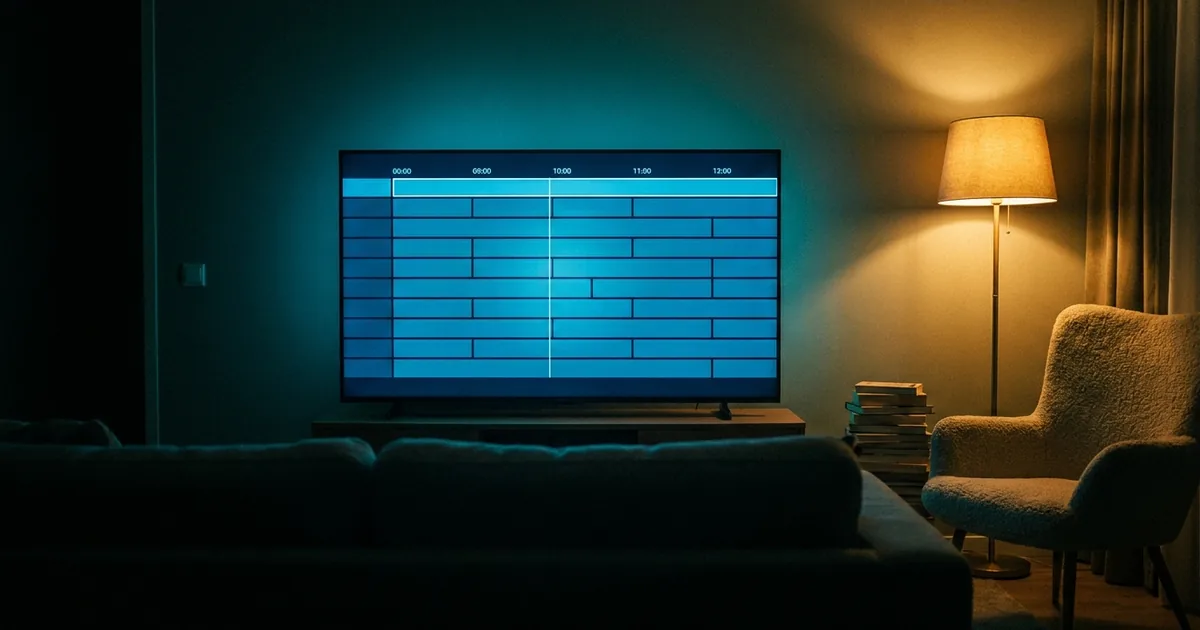
The electronic programme guide is metadata that travels alongside the streams — a list of what plays on which channel and when. It is supplied per channel and per source. That single fact explains most of what follows: your provider does not author the guide, it passes on what the source publishes. When a channel's upstream sends nothing, that row is empty, and no amount of restarting will conjure listings that do not exist.
Why tonight's grid looks wrong
Four causes account for nearly every case, in roughly this order of frequency:
- Timezone mismatch. The guide arrives in one timezone and your player displays it in another. Everything is present but shifted by a fixed number of hours — the giveaway is that the offset is identical on every channel.
- The guide has not downloaded yet. Most players fetch the EPG on a schedule rather than continuously. A fresh install shows very little until that first fetch completes, which can take several minutes.
- The source supplies nothing. Some channels, particularly regional and niche ones, simply have no listings upstream. The row stays blank permanently.
- Your player caches aggressively. TiviMate and others keep an old copy to stay fast. Forcing a refresh is usually a single menu action.
Fixing the timezone, which is the common one
In most players there is an EPG time-offset setting expressed in hours. If everything is uniformly three hours out, set the offset to compensate rather than hunting for a broken channel. Check your device clock first — a television left on the wrong region will shift the whole guide and no player setting will correct that.
Forcing a fresh guide
- In TiviMate: Settings, then EPG, then the update action — it re-downloads rather than reading the cache
- In IPTV Smarters: reload the playlist, which pulls the guide with it
- On a MAG or Enigma2 box: a portal refresh generally does both at once
- If nothing changes, remove the playlist and add it again — the last resort, but it works
When you are hunting a specific match
Sport is where guides are least reliable, because fixtures move and the listing is often written days ahead. A more dependable route is to find the broadcaster first — work out which channel holds the rights in which country — then go to that channel rather than searching the grid for the fixture name. Guides frequently list a generic block such as Live Football where you expected two team names.
If the guide is empty but the channel plays, nothing is wrong with your subscription. Metadata and video travel separately; a missing listing has no bearing on whether the stream works.
What we do on our side
We carry the full guide on channels whose sources publish one, and catch-up on the seven previous days where it is supported. We do not claim complete listings on every one of our 25,000+ channels, because that would not be true of any provider — the data comes from broadcasters, not from us. Where a row is persistently empty and the channel matters to you, tell support: sometimes an alternative source exists and we can switch it.
Worth checking before you subscribe anywhere
Guide quality varies enormously between providers and is almost never mentioned in marketing. Take a trial line and open the guide on the ten channels you actually watch. That tells you more than any channel count.